
PDF2CAD Annual Subscription
The PDF2CAD Annual Subscription includes always-current software and free support—outputs industry-standard DWG, DXF, and HPGL, as well as JPEG, PNG, and TIFF.
Version 14 has significant enhancements and customer-driven features, including merging a range of pages into one CAD file. A new automatic font-mapping engine improves WYSIWYG results; many advanced have been added. PDF2CAD v14 is the ideal companion for any program that can open and edit DXF, DWG, or HPGL files.
In addition to the annual subscription, perpetual licenses and upgrades are available.
$99.00 / year
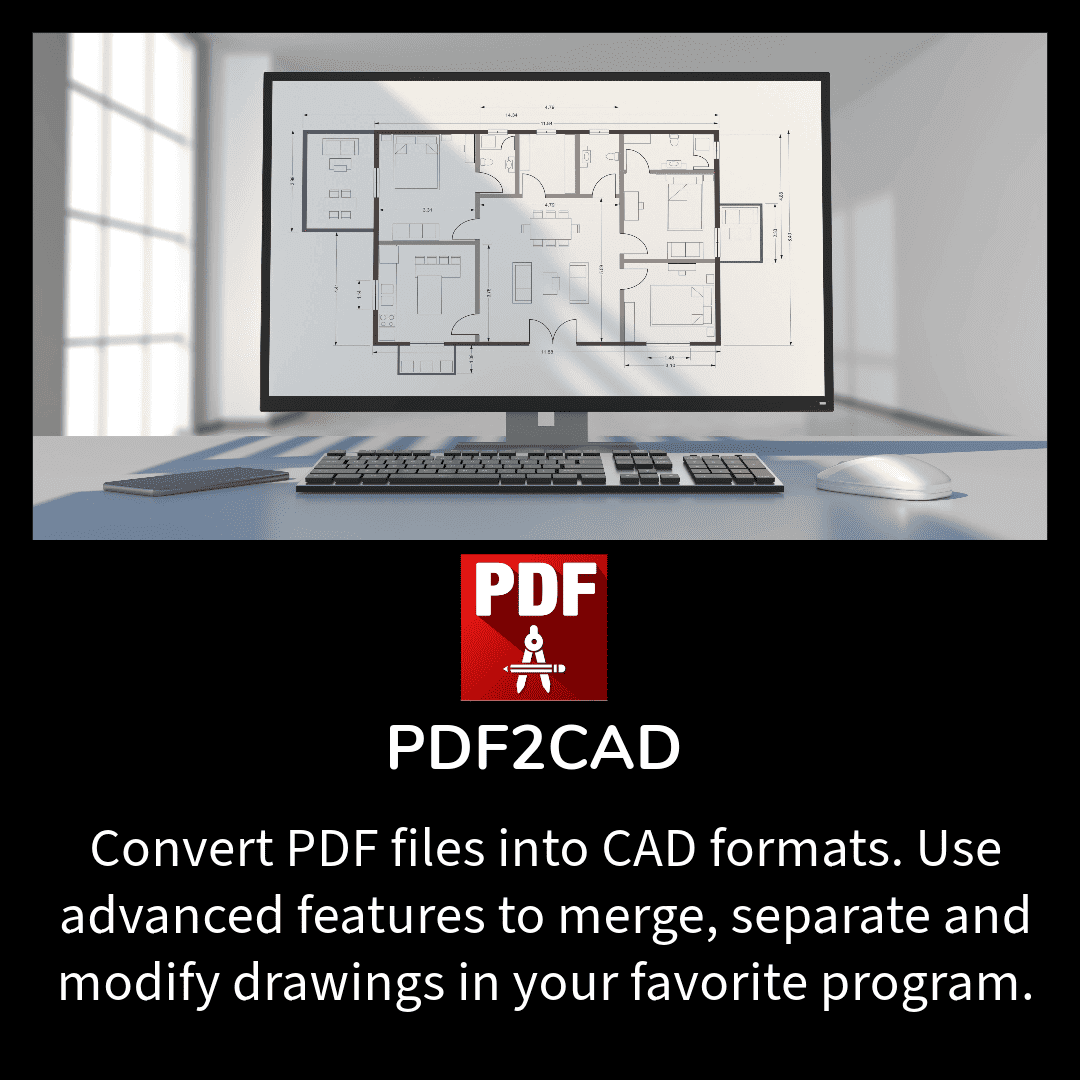
PDF2CAD v14 Released!
PDF2CAD v14 offers many new features and enhancements, including redesigning the conversion options and output format settings. It provides new choices when image formats are required (JPG, PNG, and TIFF), and transparency is now supported for fills and images. A range of pages can be merged into one CAD file. Enhancements to attribute handling are many, with new DWG and DXF line weight options and the ability to overwrite fill and line color options for objects and text.
Easily use PDF drawings in CAD programs
PDF2CAD has been the top PDF to CAD Converter for over 25 years
Our PDF2CAD Annual Subscription is the best solution for converting PDF files into CAD formats, ensuring accuracy and saving you redraw and clean-up time. By subscribing, you’ll enjoy the latest features and improvements throughout the year, with regular updates and enhancements automatically delivered to your account.
Whether you are an architect, engineer, or designer, PDF2CAD provides the tools to streamline your workflow and maximize productivity. Experience the convenience of converting complex PDF files into editable CAD formats with just a few clicks. You’ll extract accurate DWG, DXF, or HPGL drawings in seconds.
Works with virtually any PDF drawing saved or printed from an application. Use the converted files in engineering, scientific, and architectural programs, including AutoCAD, TurboCAD, and MicroStation.
“Remarkable accuracy”
“Didn’t think it would work – but it did!”
“What a time-saver!”
These are just some enthusiastic responses we get when people try PDF2CAD. It’s is ideal for converting CAD drawings, floor plans, network diagrams, and organization charts. All entities, layers, line types, objects, and text are ready for editing. It requires computer-generated PDF files (vector PDF) and is not designed to convert scanned PDF drawings (raster PDF) back to CAD formats.
To learn more, read The Difference Between Vector and Raster PDF Files
PDF2CAD runs on Microsoft Windows and Apple macOS. We also make dedicated plug-ins for AutoCAD and BricsCAD, which integrate with the menu systems of these programs to open a PDF file ready for editing.
Test the conversion quality with a free 7-day trial at ConvertPDF.Online. You’ll see in no time at all that pdf2cad will save you time and money. It’s easy to use yet has powerful options.


